AI dictation
One category. One page. Compare 4 products without opening a separate review for each.
Hex is our recommended starting point. Superwhisper and Wispr Flow are Neutral for this buyer, not poor products for everyone. Superwhisper may warrant Recommend for customization-heavy workflows.
Source-based editorial analysis assessed November 1, 2026—not hands-on testing or an accuracy ranking. Apple Dictation remains unassessed. Prices and vendor documentation can change; these preview pages remain excluded from search indexing pending broader review.
The actual trade-off
For this roundup, “best” means a sensible starting point for affordable, privacy-first desktop dictation—not the highest measured accuracy. We have not run a controlled comparison. All three have a free option; paying should solve a specific problem the free workflow does not.
| Product | Processing trade-off | Why consider it? | Our verdict |
|---|---|---|---|
| Hex | Ordinary dictation is local; optional provider-backed rewriting is separate. | Free, open-source desktop starting point. | Recommend |
| Superwhisper | Local or cloud models; check both speech and rewriting settings. | Free local option, plus configurable workflows and Pro tools. | Neutral for basic use; stronger for power users. |
| Wispr Flow | Cloud transcription needs internet, even with cloud storage off. | Automatic cleanup and desktop/mobile writing. | Neutral for privacy-first desktop use. |
Before paying: compare the time spent correcting names, numbers, negations, and technical vocabulary—not just how quickly words appear. Try your real apps and microphone. None of the selected vendor recordings below establishes an accuracy, latency, or privacy benchmark.
Apple Dictation: included as a built-in baseline to investigate, but not yet assessed here. We are not treating missing evidence as a Neutral verdict.
 Superwhisper
 combines speech recognition with configurable modes, prompts, and local or cloud models. Our Neutral verdict targets basic dictation buyers, not every possible workflow.
Neutral — For basic desktop dictation, its free tier is worth trying, but paying for Pro needs a clear use for the extra models, formatting workflows, or file transcription.
- Best for
- Power users who want task-specific formatting, model choices, and app-specific workflows; its free tier also merits consideration for ordinary dictation.
- Main caveat
- For customization-heavy buyers, Superwhisper may be a Recommend rather than Neutral. Check both speech and language models before assuming a workflow is private or offline.
- Assessed price
- Free tier; Pro US website pricing: $8.49/month, $84.99/year, or $249.99 lifetime. Website states a 3,000-word Pro trial.
- Assessment date
- · Source-based analysis, not hands-on testing.
Compatibility: macOS, Windows, iOS, and Android are advertised. Offline and model capabilities vary by platform; verify the exact workflow on your device.
Pros
- Non-expiring free tier advertises unlimited Whisper-model use.
- Local transcription options alongside cloud models.
- Custom modes and prompts support different writing tasks.
- Pro adds file transcription, translation, and additional model capabilities.
Cons
- Model and mode choices introduce more configuration decisions.
- Local speech recognition does not guarantee local AI rewriting.
- Pro adds recurring or upfront cost; its value depends on using features beyond basic dictation.
- We have not measured accuracy or speed against Hex or Wispr Flow.
See the app
Official product media, not our hands-on testing. Open an image for the larger version. Screenshots and edited demos do not establish accuracy or speed.
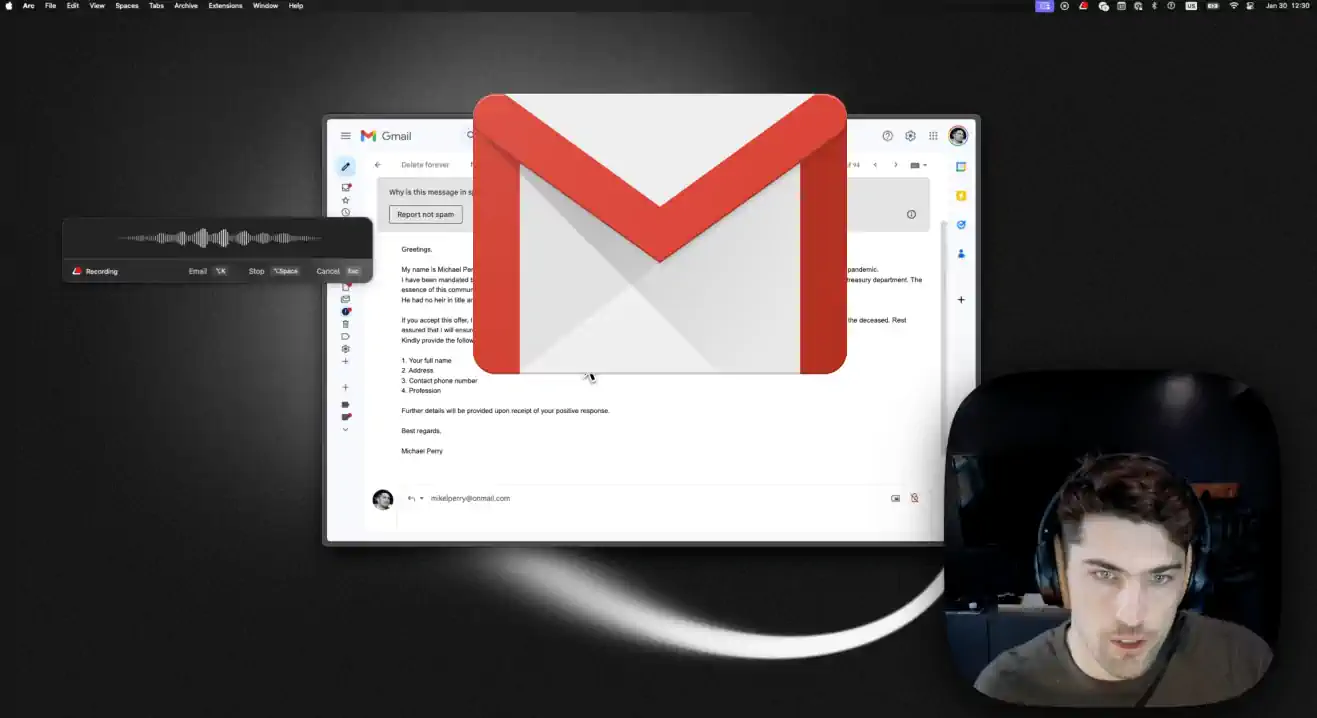
Sending Emails with Superwhisper
1:42 · Official tutorialOfficial screen recording of email-mode configuration and email dictation. An older interface, not a demonstration of every current platform or plan. Loading the player connects to YouTube, which may process usage data under its own privacy policy.
Watch on YouTube ↗Neutral is about the paid upgrade—not a dismissal of the free tier
Hex is not the only free local option. Superwhisper advertises a permanent free tier with unlimited Whisper-model use and custom prompt control. For plain dictation, try both before paying; we have no comparative measurements that justify declaring either universally more accurate.
When Pro earns its place
The useful distinction is control: task-specific modes, model selection, translation, and audio/video file transcription can replace work beyond typing. A custom email workflow may justify Pro for a power user even when it does not for a basic dictation buyer. The official email tutorial shows configuration and real usage, but its older UI does not establish current performance or plan entitlements.
Check the complete processing chain
A local voice model plus a cloud language model is not an entirely offline workflow. Verify speech recognition and rewriting separately. The official FAQ says Intel Macs work best with cloud models and offline models run best on Apple silicon. The $249.99 lifetime option equals roughly three $84.99 annual payments before discounts or future price changes; avoid that commitment until the workflow has proved useful to you.
Sources
Official documentation checked on . Features and privacy behavior below are vendor/project claims, not independently verified measurements.
- Official features and free tier ↗
- US website pricing, trial, and iPhone offline options ↗
- Official email tutorial (older interface) ↗
- Custom mode documentation ↗
 Wispr Flow
 turns speech into formatted text using cloud transcription, with dictionaries, snippets, and cleanup for messages and drafts.
Neutral — Automatic cleanup and desktop/mobile availability are useful, but cloud dependence and subscription costs make Flow less compelling for privacy-first, basic desktop dictation.
- Best for
- People who prioritize formatted drafts and dictation across desktop and mobile over fully local processing.
- Main caveat
- An internet connection is required. Review model-improvement and storage controls separately, and proofread wording changes introduced by cleanup.
- Assessed price
- Limited free tier; Pro US website pricing: $15/user/month, or $12/user/month billed annually ($144/year). Free allowances can vary by account and platform.
- Assessment date
- · Source-based analysis, not hands-on testing.
Compatibility: Mac, Windows, iOS, and Android. Cloud transcription requires internet access; insertion and recovery behavior vary by platform.
Pros
- Available across desktop and mobile platforms.
- Automatic formatting, dictionaries, and snippets support everyday writing.
- Separate controls for model improvement and dictation cloud storage.
Cons
- No fully local, offline transcription workflow.
- Official documentation says model improvement is on by default for Free and Pro, with an opt-out.
- Turning off cloud storage does not stop audio from being sent for cloud transcription.
- Cleanup is not verbatim transcription; wording changes and mixed-language limitations need attention.
See the app
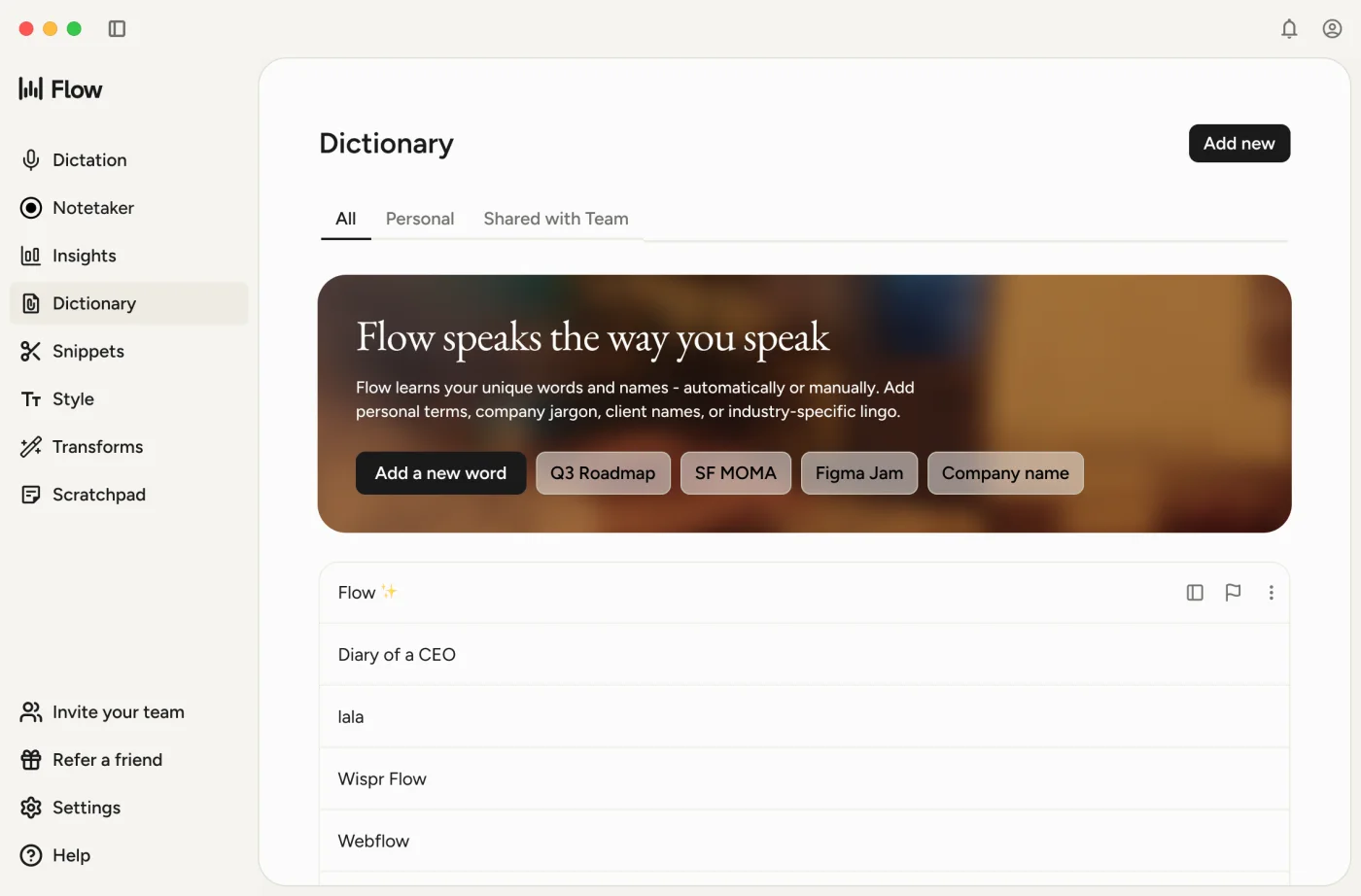
Official product media, not our hands-on testing. Open an image for the larger version. Screenshots and edited demos do not establish accuracy or speed.
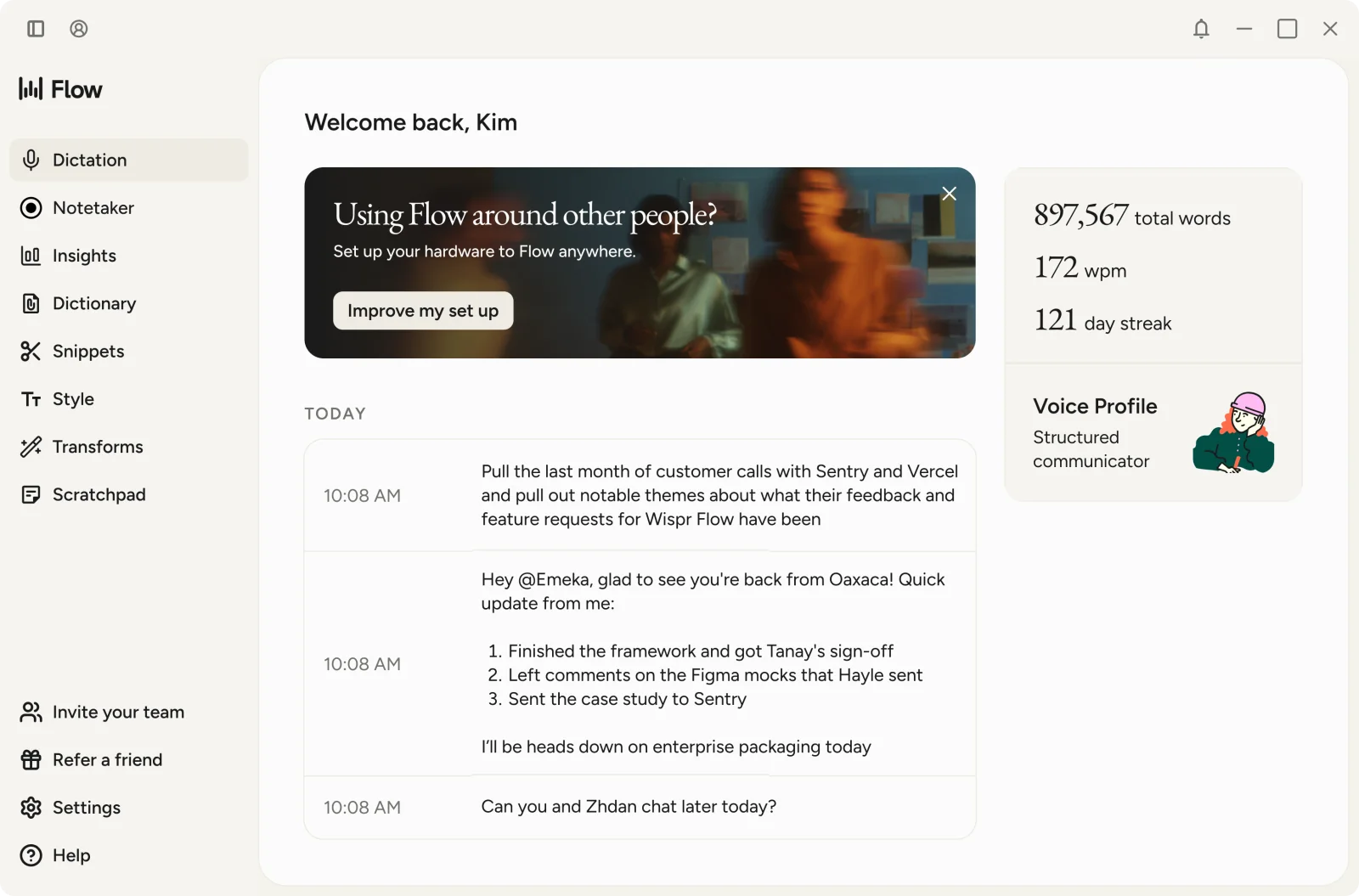
View the dictionary screenshot
Watch Flow in Action
0:52 · Official tutorialFounder-led desktop screen recording linked from the official help center. Shows dictation, spoken corrections, and contextual wording; an older interface, not an independent accuracy test. Loading the player connects to Loom, which may process usage data under its own privacy policy.
Watch on Loom ↗What you are paying for
Flow’s appeal is turning rough speech into a usable draft across devices, rather than offering a local speech engine. Its dictionary, snippets, and style controls may help repetitive writing. The official short screen recording demonstrates corrections and contextual wording; a selected vendor demo cannot establish how reliably those features handle your voice.
Privacy controls are not offline processing
Audio still travels to the cloud when dictation cloud storage is off. Model improvement, cloud storage, local history, and context awareness are different controls. For sensitive work, review them individually and check employer rules; do not interpret “not retained” as “never transmitted”. Meeting Notetaker has separate retention behavior and is outside this dictation verdict.
When we would choose Flow instead
If mobile access and automatic cleanup consistently save you editing, Flow can be worth considering despite our privacy-first Neutral verdict. At the listed prices, annual Pro saves $36 versus twelve $15 monthly payments, but commits $144 upfront. Trial real names, negations, technical terms, and mixed-language speech: official documentation notes that mixed-language detection is less reliable and cleanup can change wording.
Sources
Official documentation checked on . Features and privacy behavior below are vendor/project claims, not independently verified measurements.
- Official plans and pricing ↗
- Privacy controls and processing flow ↗
- Security overview and default training settings ↗
- Accuracy and known limitations ↗
- Official workflow guide and 52-second screen recording ↗
- Official product screenshots ↗
Hex
Hex turns speech into text locally and pastes it into the active app when you release a shortcut. This is the Hex dictation project associated with Kit Langton, not the unrelated analytics product.
Recommend — Free, open-source, on-device dictation makes Hex a compelling starting point for supported desktop users who prioritize privacy and value.
- Best for
- Privacy-conscious desktop users, particularly technical users, who want basic dictation without a subscription.
- Main caveat
- We have not established that Hex beats competing tools on accuracy or reliability; try it with your voice and everyday apps first.
- Assessed price
- Free, MIT-licensed. Optional provider-backed rewriting may involve separate provider costs.
- Assessment date
- · Source-based analysis, not hands-on testing.
Compatibility: Mac: Apple silicon, macOS 15+. Windows and Linux downloads are available; their platform guides describe beta support. Do not assume mobile feature parity.
Pros
- Free and open-source, with inspectable code.
- Ordinary speech transcription runs on-device after the initial model download, according to the project.
- Downloads cover macOS, Windows, and Linux.
Cons
- No Intel Mac support in the published Mac download requirements.
- Windows and Linux support is documented as beta.
- Optional OpenCode rewriting sends text and documented context to the configured provider; not every workflow stays local.
- Comparative accuracy, latency, and app-insertion reliability have not been independently established in this assessment.
Why Hex gets the recommendation
For straightforward desktop dictation, Hex removes both a subscription and ordinary cloud transcription from the decision. That makes it a low-cost first trial for this buyer—not a proven winner on recognition quality. Free local transcription is not unique to Hex: Superwhisper’s free tier is a legitimate alternative.
Where the recommendation stops
Local processing shifts work onto your computer, so device fit matters. The initial model download needs a connection; optional provider-backed rewriting has a separate data path. Open-source code improves inspectability, but it is not a security audit. We have not measured battery use, noisy-room performance, or insertion reliability.
Choose something else when…
Choose Superwhisper if its configurable modes solve a workflow Hex does not, or try Flow if mobile use and automatic cleanup matter more than offline processing. Intel Mac owners cannot use the published Hex Mac build. Before adopting Hex, manually try names, numbers, corrections, and long dictations in the apps you actually use.
Sources
Official documentation checked on . Features and privacy behavior below are vendor/project claims, not independently verified measurements.
- Project, license, and downloads ↗
- Mac requirements ↗
- Feature map and optional external rewriting ↗
- Windows beta guide ↗
- Linux beta guide ↗
 Apple Dictation
The built-in baseline: when is a separate dictation app worth it?
Insufficient evidence — pricing and capabilities have not yet been assessed.
- Best for
- Not yet established.
- Main caveat
- This listing is a research preview, not a recommendation.
- Assessed price
- Not assessed.
- Assessment date
- Not yet assessed.
Pros
Not yet verified.
Cons
Not yet verified.
What we’re investigating
- What works on your specific Apple device?
- Which languages and offline features are supported?
- When would a paid alternative add value?
Accuracy, speed, editing, app compatibility, privacy, everyday usability, and value.
How this roundup works
This is a source-based review roundup, not a claim of hands-on testing. Published assessments cite official documentation for features, compatibility, pricing, and privacy behavior. Verdicts are editorial judgments for the stated buyer, not independently measured accuracy or speed rankings. Listings without an assessment remain research previews. We identify any future hands-on work explicitly.
We compare accuracy, speed, editing, app compatibility, privacy, everyday usability, and value.
- Recommend: A strong choice for its intended buyer; benefits outweigh drawbacks at the assessed price.
- Neutral: Mixed trade-offs; worth considering only for specific needs or at a better price.
- Not Recommended: Significant drawbacks or better alternatives make it difficult to justify.
Every completed verdict will include its reason, intended buyer, main caveat, assessed price, and assessment date. Missing evidence stays separate from Neutral. We’ll reassess when pricing or evidence changes.